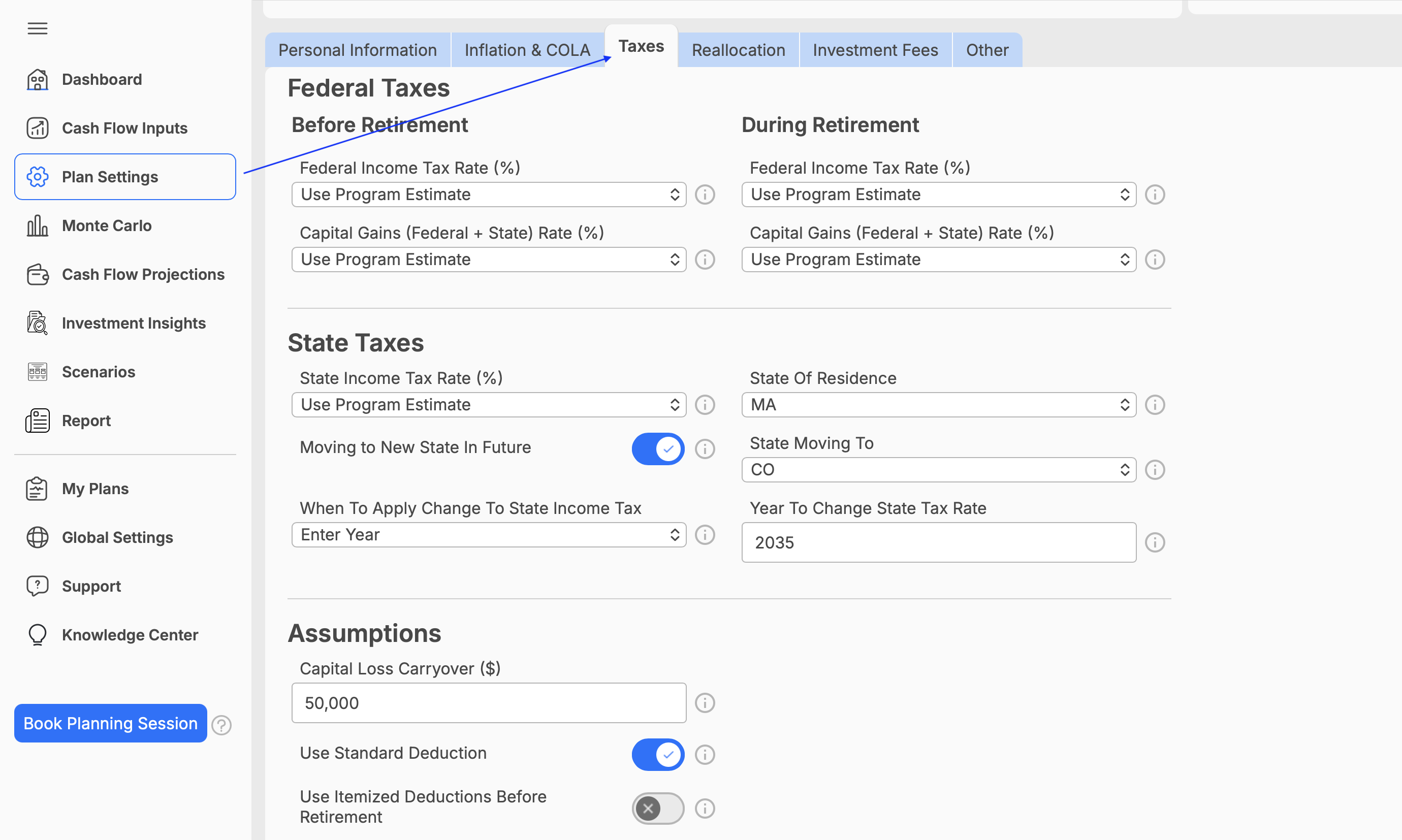
Where to Find and Edit Tax Assumptions
Where can I enter/edit my tax assumptions?
You can review and update the tax assumptions used in your WealthTrace plan from the Plan Settings section.
To access them:
- Select Plan Settings in the navigation menu.
- Click on the Taxes tab.
- Review or update your tax settings.
- Your changes will automatically be saved.
For both before retirement and during retirement, you can choose to use WealthTrace’s estimated tax rate or enter your own tax rate. Using the program estimate allows WealthTrace to calculate a rate based on the information in your plan, while entering a custom rate gives you greater control over the assumptions used in your projections.